
Appointment Scheduling FAQ
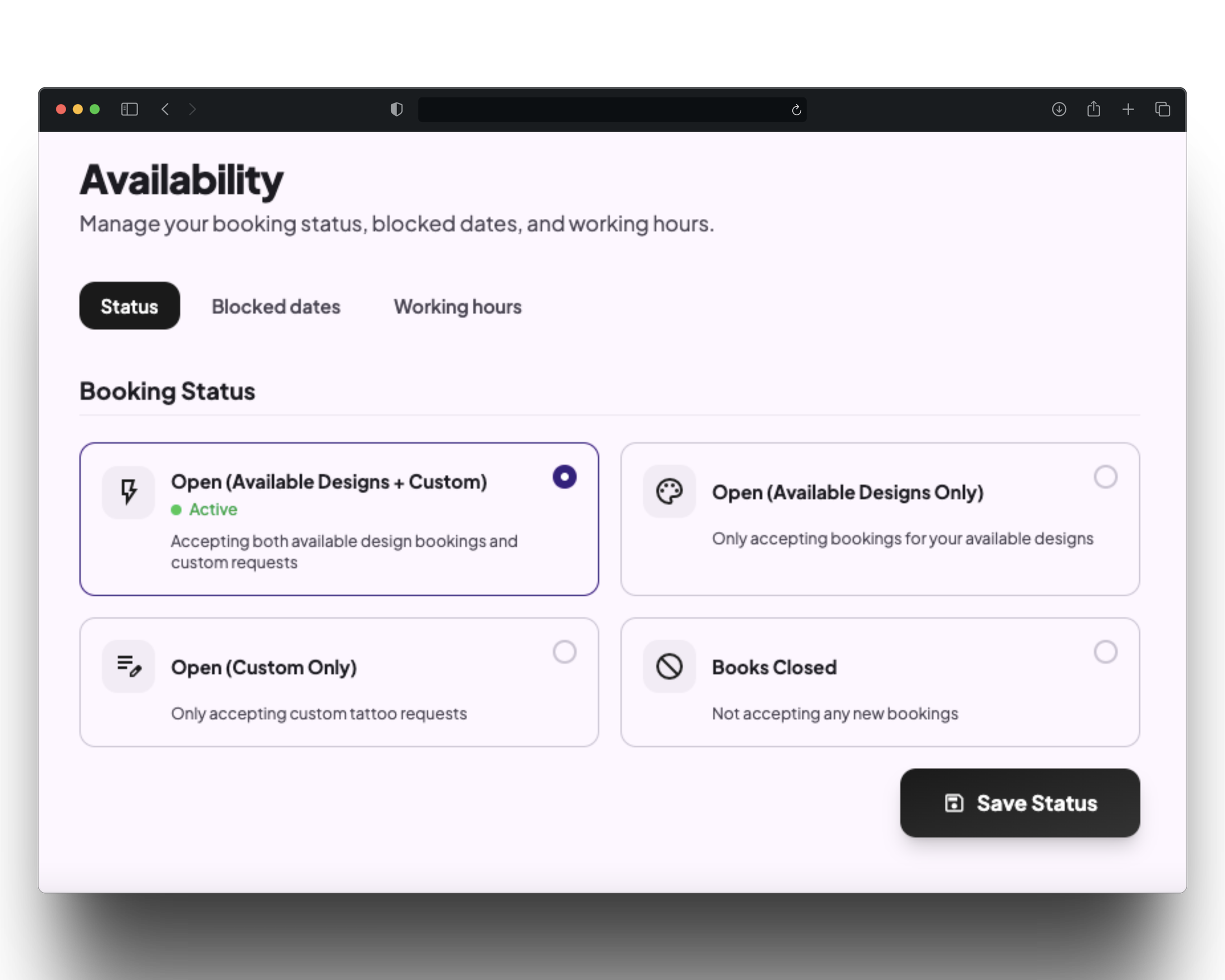
Flash only, Custom only, Open (both flash + custom), and Closed. Switch between them anytime based on your schedule, and clients only ever see what's actually available.
Yes. Block specific days, weekends, or full date ranges whenever you need the time off.
No. You can choose managed scheduling to review the client's booking preferences and send your suggested slots or switch to auto scheduling and let clients book open slots instantly from you connected Google calendar.
Clients can join a waitlist instead of hitting a dead end, so you don't lose them when a slot opens back up.